Block listing items
block-listing-items #EIFE version 0.1 | 37s Read time
News and events block
View edit mode
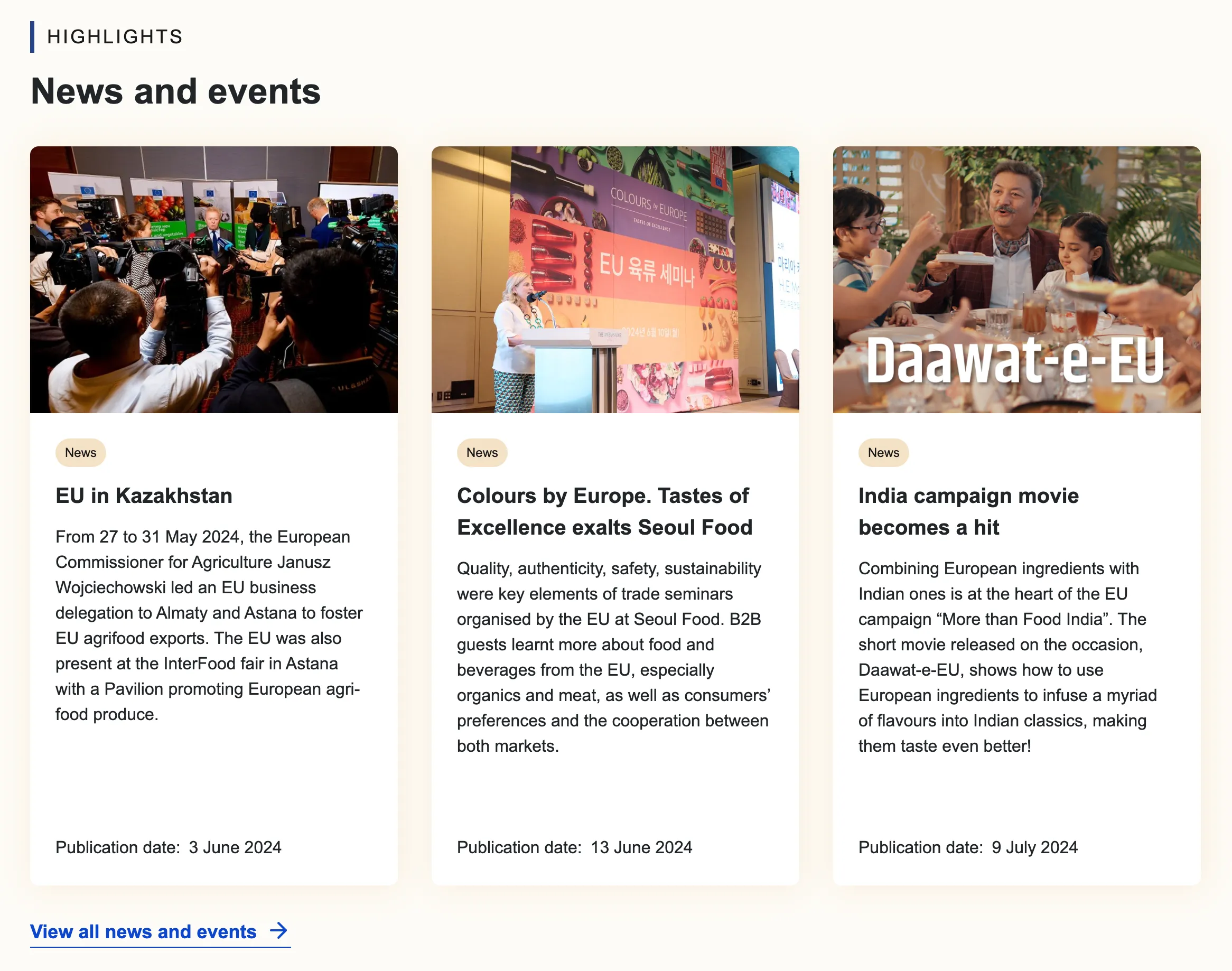
The ‘News and Events’ content item enables editors to prominently feature news and events as a dedicated block within the content types where this item is available. Each block includes a section title, an H2 paragraph title, and descriptive text to engage readers effectively. Editors have the flexibility to configure the block to display either news, events, or both, according to the page’s requirements.
Additionally, if the focus is solely on events, editors can specify whether these are business-to-business (B2B) events. This feature is particularly useful when creating a page tailored to a B2B audience. Links can also be included to direct users to a comprehensive listing of news and events. Should the inclusion of this link be deemed unnecessary, editors have the option to remove the entire link section. This action allows for the bypassing of otherwise mandatory fields, thereby streamlining the content according to specific editorial needs.
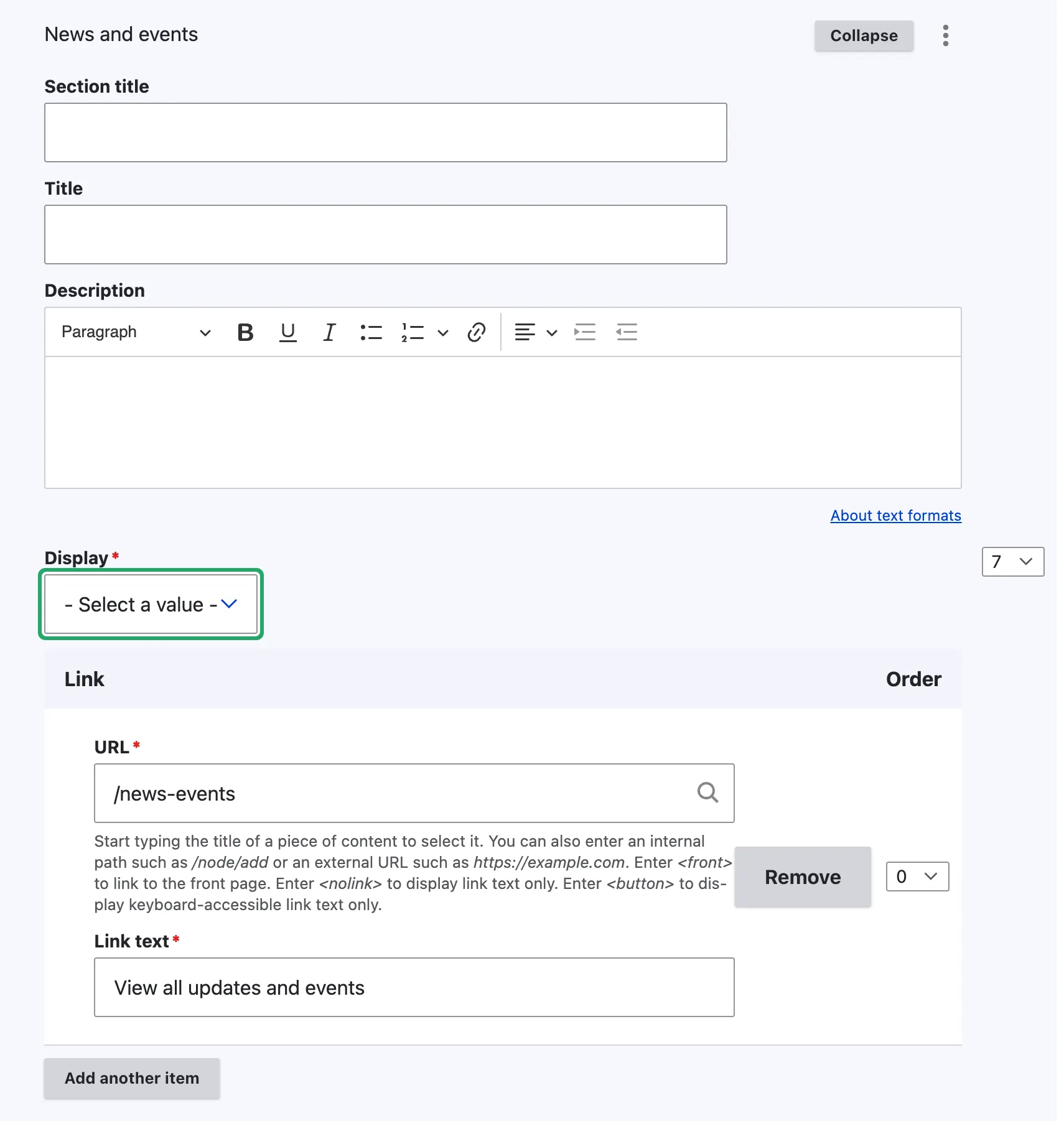
Note - on News and events
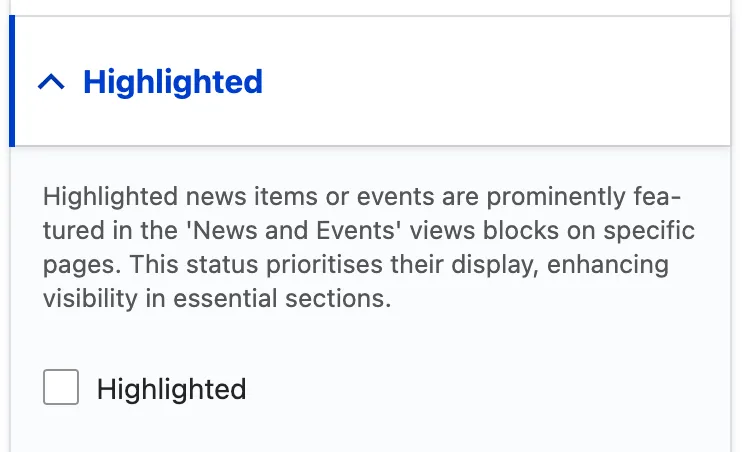
Only items marked as ‘highlighted’ within the news and events categories will be displayed in the blocks.
View display mode
Resources block
View edit form
The Resources Block is a straightforward addition to any page, offering a simpler implementation compared to the News and Events blocks. Once added, it automatically displays the latest resources. To enhance user experience and provide clearer information, we recommend integrating this block with other available content items on your site.

View display mode

Product categories block
The Product categories Block is a straightforward addition to any page, offering a simpler implementation compared to the News and Events blocks. Once added, it automatically displays the latest 9 product categories. To enhance user experience and provide clearer information, we recommend integrating this block with other available content items on your site.
View edit form

View display mode
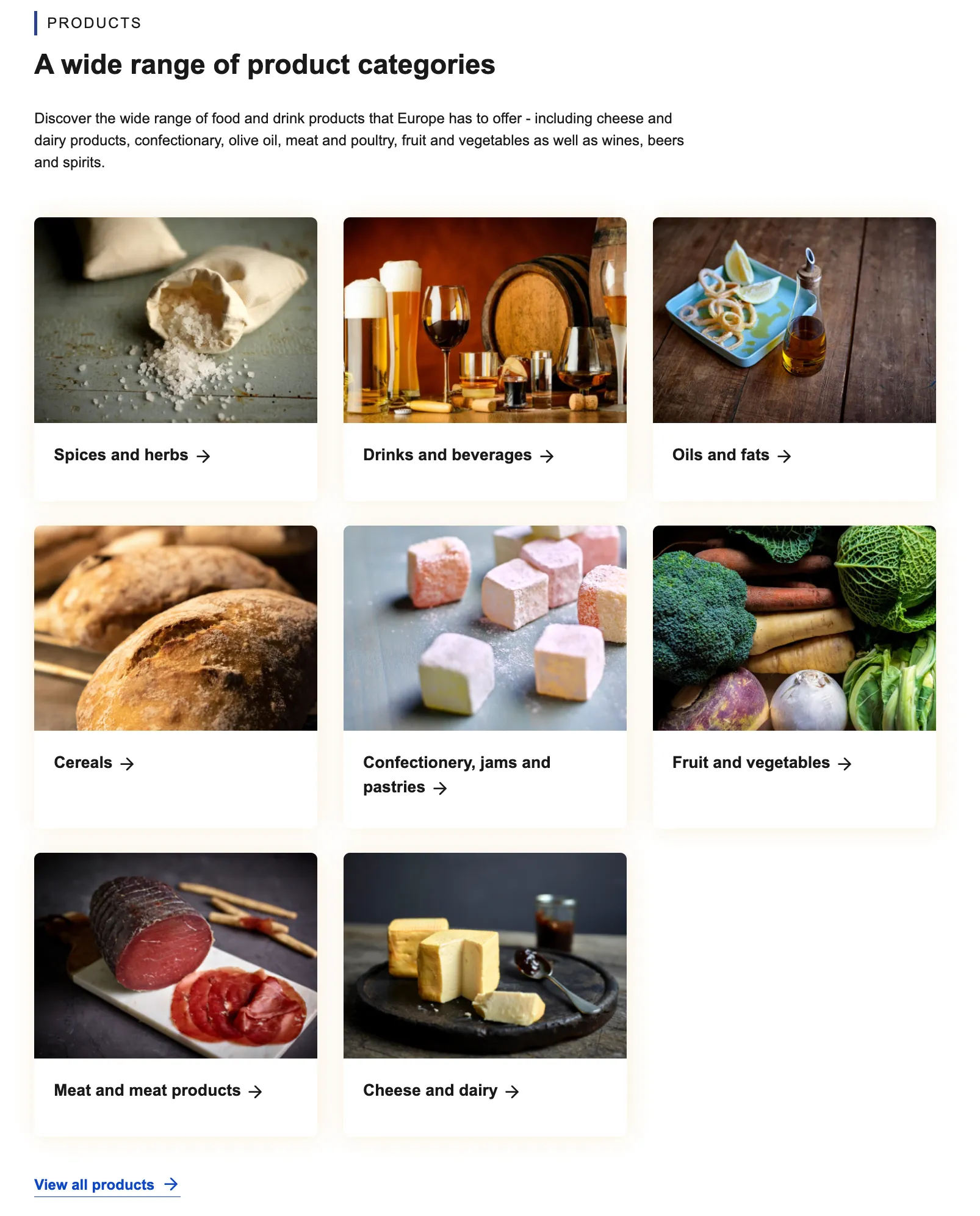
The category view mode showcases a combination of different content items on the webpage. Alongside the “Product Categories Block,” this view mode utilises the “Structured Text Section” and the “CTA Button” to create a cohesive and engaging user experience. This combination allows for a rich presentation of information, seamlessly blending detailed text with actionable prompts.