- EIFE Website Creation Guide
- Setup a new country site
- UI introduction
- The EIFE content workflow
- Managing revisions
- Metadata Options
- Dashboards and interfaces
- Creating content
- Translating content
- How content types are structured
- What Content types are available
- Event Site content type
- Landing page content type
- News and events content type
- Product content type
- Product category content type
- Recipe content type
- Resources content type
- Campaign footer content type
- Webform Content type
- What type of paragraph bundles are available
- Header content items
- Media content items
- Rich text content items
- Layout content items
- Block listing items
- Listing Page a structured display of content
- How to add new domain menu entries
- How to work with taxonomies
- How to unpublished content
- How cloning content works
- How to logging in and out of the EIFE
Layout content items
layout-content-items #EIFE version 0.1 | 28s Read time
Section and Product section
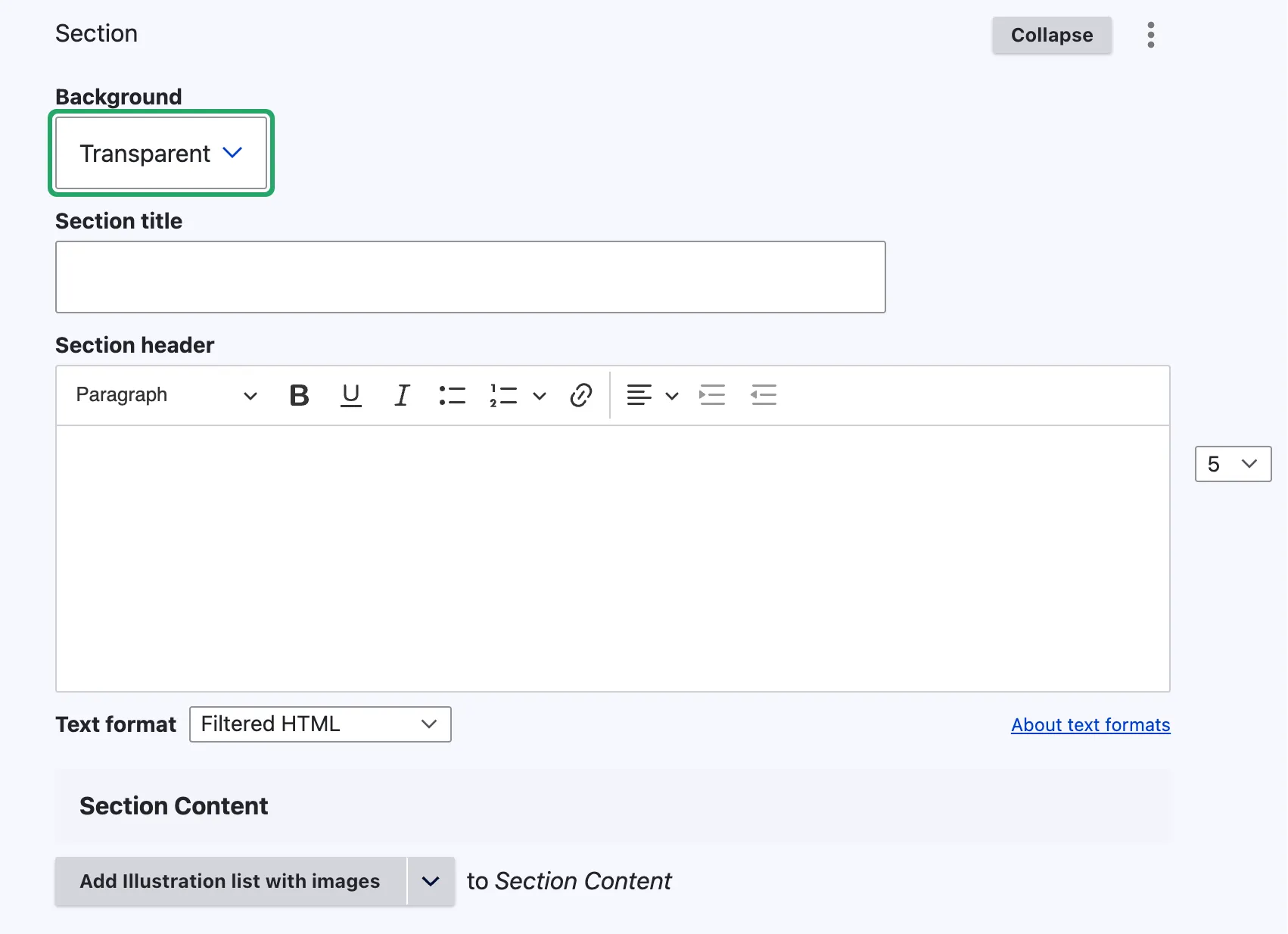
The key difference between a ‘Section’ and a ‘Product Section’ lies in their availability: ‘Section’ is exclusive to the ‘Landing Page’ content type, whereas ‘Product Section’ is specific to the ‘Product Category’ content type.
View edit mode
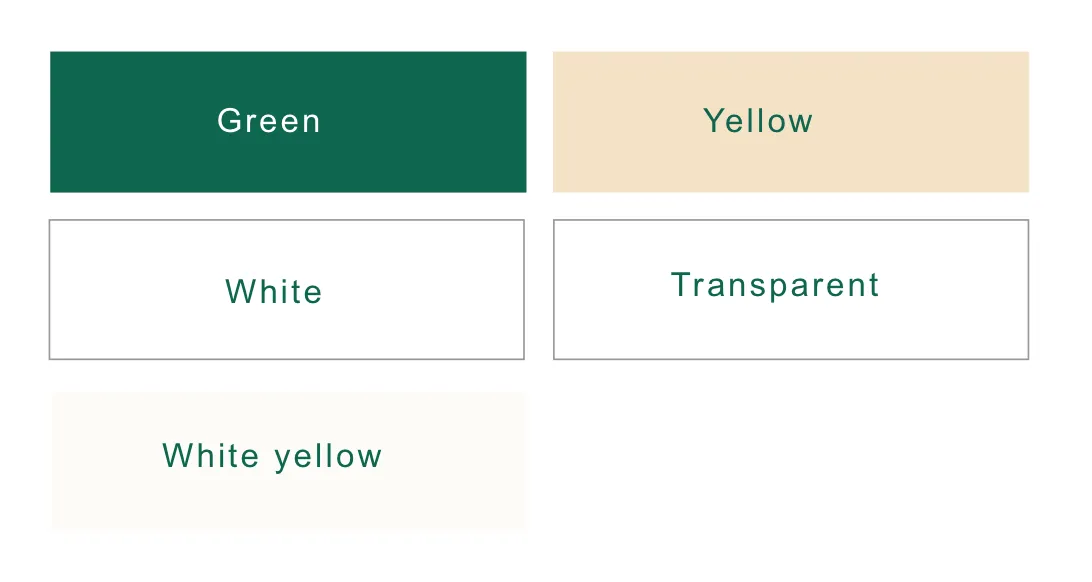
Enables editors to highlight a section on the page by applying a background colour Available colours include Green, Yellow, White, Transparent, and White Yellow. The section content offers several content items for use, identical to those described in this user guide.
View display mode
Background colours are
Note - on backgrounds
The transparent backgrounds adopt the main body colours of the section to which they are added.