How to work with taxonomies
taxonomies #EIFE version 0.1 | 58s Read time
In the EIFE portal, taxonomy vocabulary is a powerful tool used to organise and classify content. A taxonomy vocabulary is essentially a collection of related terms or categories, allowing editors to tag or group content in meaningful ways. These terms help to structure the website by categorising articles, resources, or other content types, enabling easier navigation, search filtering, and content discovery for users.
In practice, vocabularies help editors to add consistent labels across similar content, making the user experience more intuitive and enhancing the overall organisation of the site. For example, you might use a taxonomy vocabulary for product categories, resource types, or event themes, which can then be referenced within content to display them in a logical, filterable format on listing pages.
In the case of the EIFE vocabulary, it can be extended if necessary; however, modifying existing terms is not recommended. Any changes to the existing vocabulary terms will have an impact across all country sites within the platform, potentially disrupting content consistency and causing unintended issues.
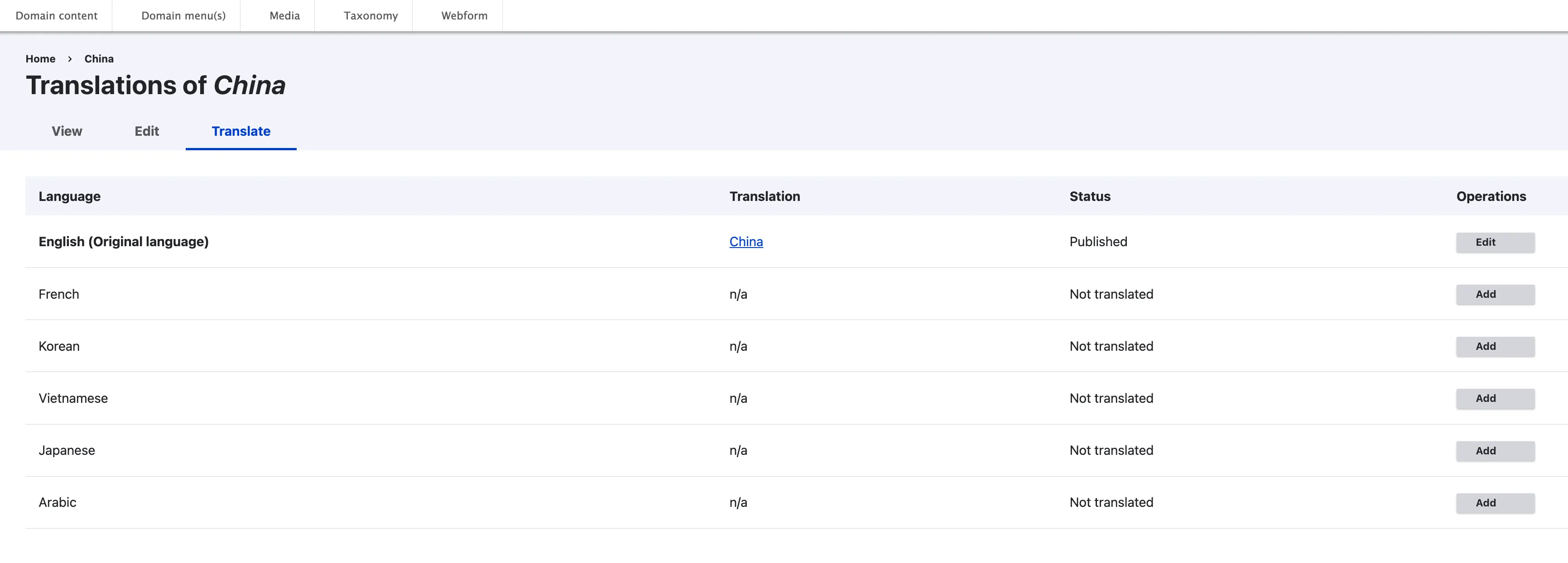
Existing terms can and should be translated by the country site editors when new languages are added. This ensures that the vocabulary is appropriately localised for the target audience while maintaining the integrity and uniformity of the core terms across the entire platform.
Taxonomy dashboard

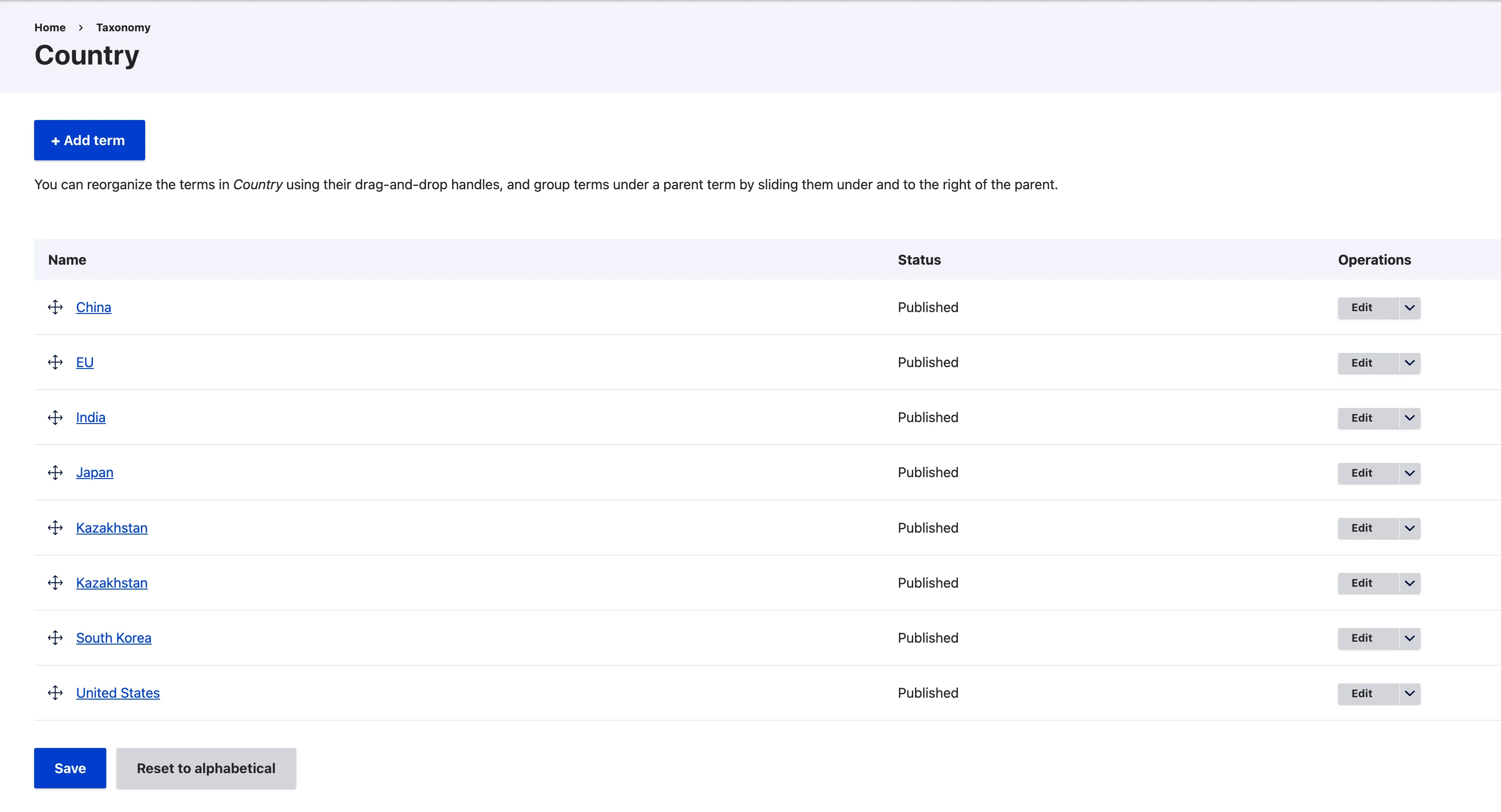
Country terms
Translation interface of a term