How to logging in and out of the EIFE
logging-in-out #EIFE version 0.1 | 1m 19s Read time
Logging in and out of your website
EIFE country sites are publicly accessible under the europa.eu domain. The specific URL for each site is provided to the site owner upon creation.
Anonymous visitors can view only the public content of the site, commonly known as the ‘front-end’. To access non-public content or the site’s administrative interface (the ‘back-end’), a login is required.
All user credentials are managed via the EULogin service. To access your site, you need an EULogin account, and it must be enabled specifically for your site. Please note that having an EULogin account alone does not automatically grant access to the site’s back-end.
Logging in an EIFE country site
The log in address is yoursiteURL/eulogin (just add /eulogin at the end of your site hostname)
For instance, the login URL for ‘Colours by Europe South Korea’ would be https://enjoy-its-from-europe.campaign.europa.eu/south-korea/eulogin. It is essential to ensure that the designated country site name, such as ‘south-korea’, is present in the URL. Failure to include the country site name may prevent editors from accessing specific features of the website.
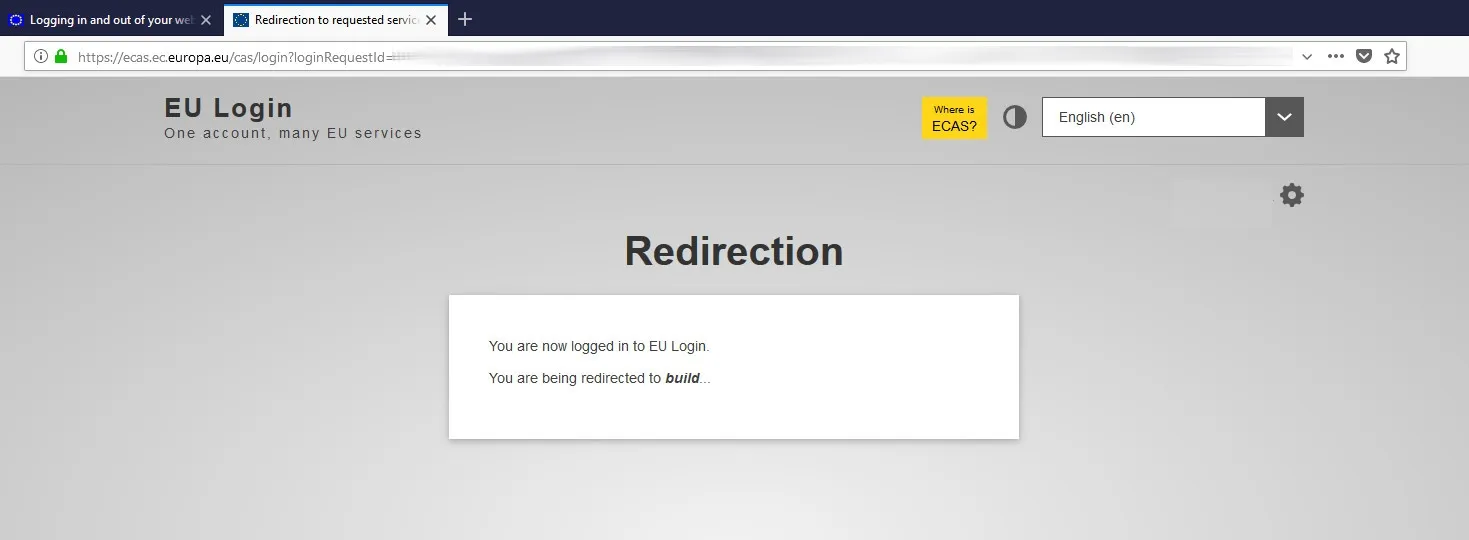
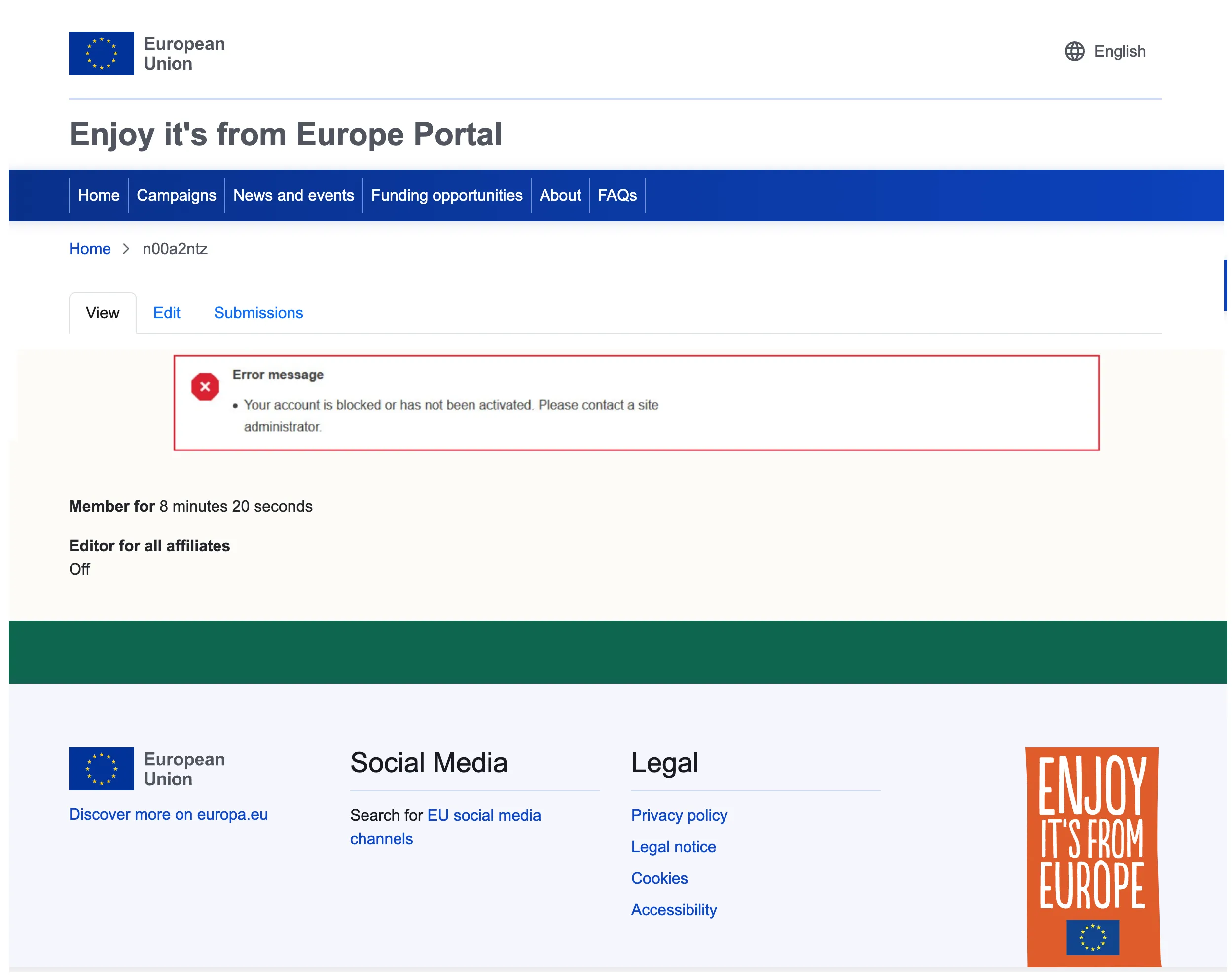
You are then redirected to the EULogin authentication service and then back to the site, as logged-in user if your account was enabled by the site owner for that site. Until your account has been approved by the site admin or if your account is currently blocked, you get an error message stating that you are not yet allowed to log in :
The admin menu
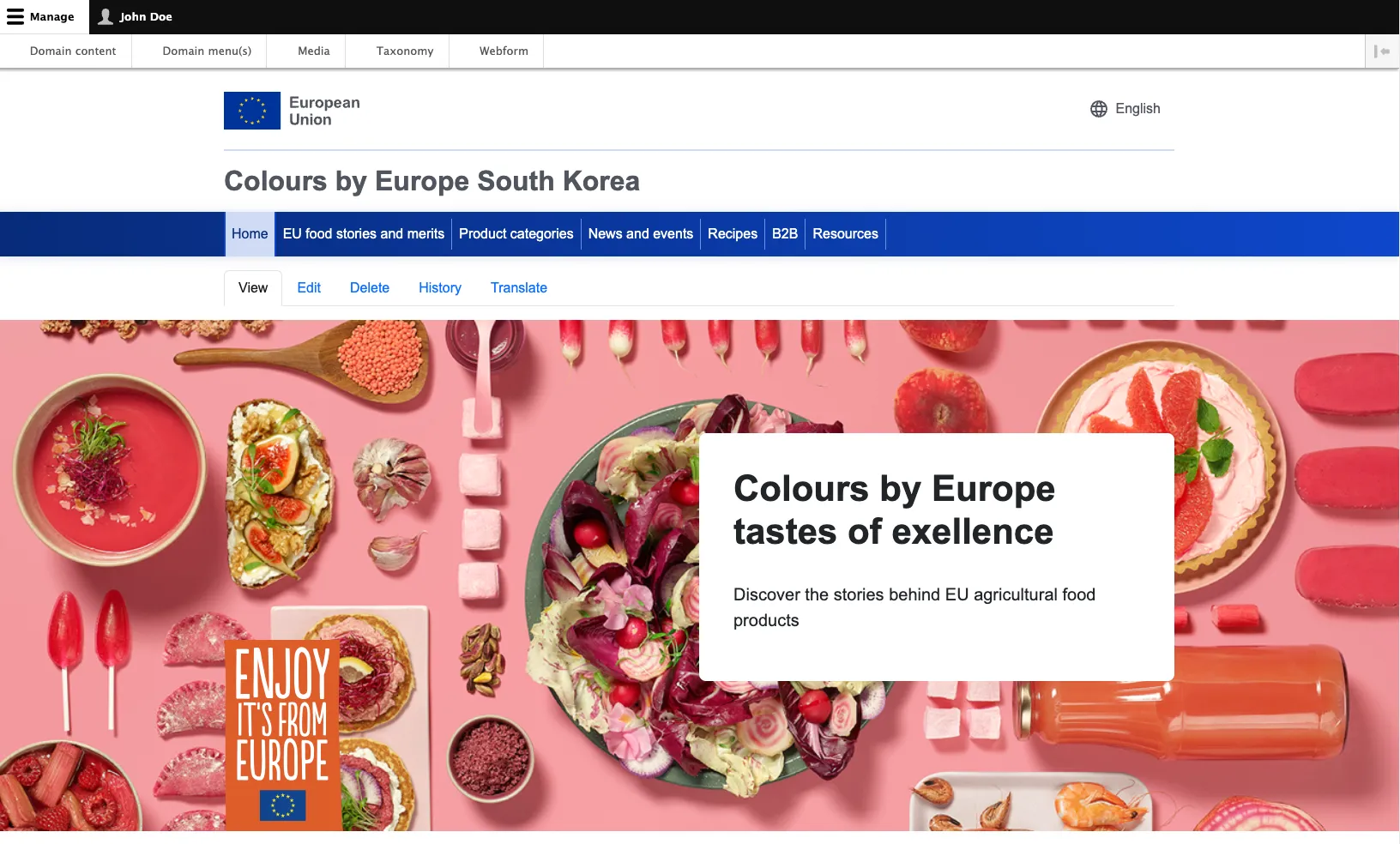
The black bar on top with user and the display of back-end controls does confirm that you are now logged in (this is the Drupal back-end administration menu), and you get a confirmation message stating that your log in was successful:

The black bar ‘back-end’ menu on top will provide access to the dashboards and interfaces. Also, when browsing the site as a logged-in user.