Product content type
product-content-type #EIFE version 0.1 | 1m 52s Read time
The “Product” content type within the EIFE portal is designed to facilitate the uploading and detailed presentation of products such as apples, oranges, strawberries, and other items. This content type is essential for businesses and stakeholders within the portal who wish to showcase and provide information about their product offerings.
Creating a product page
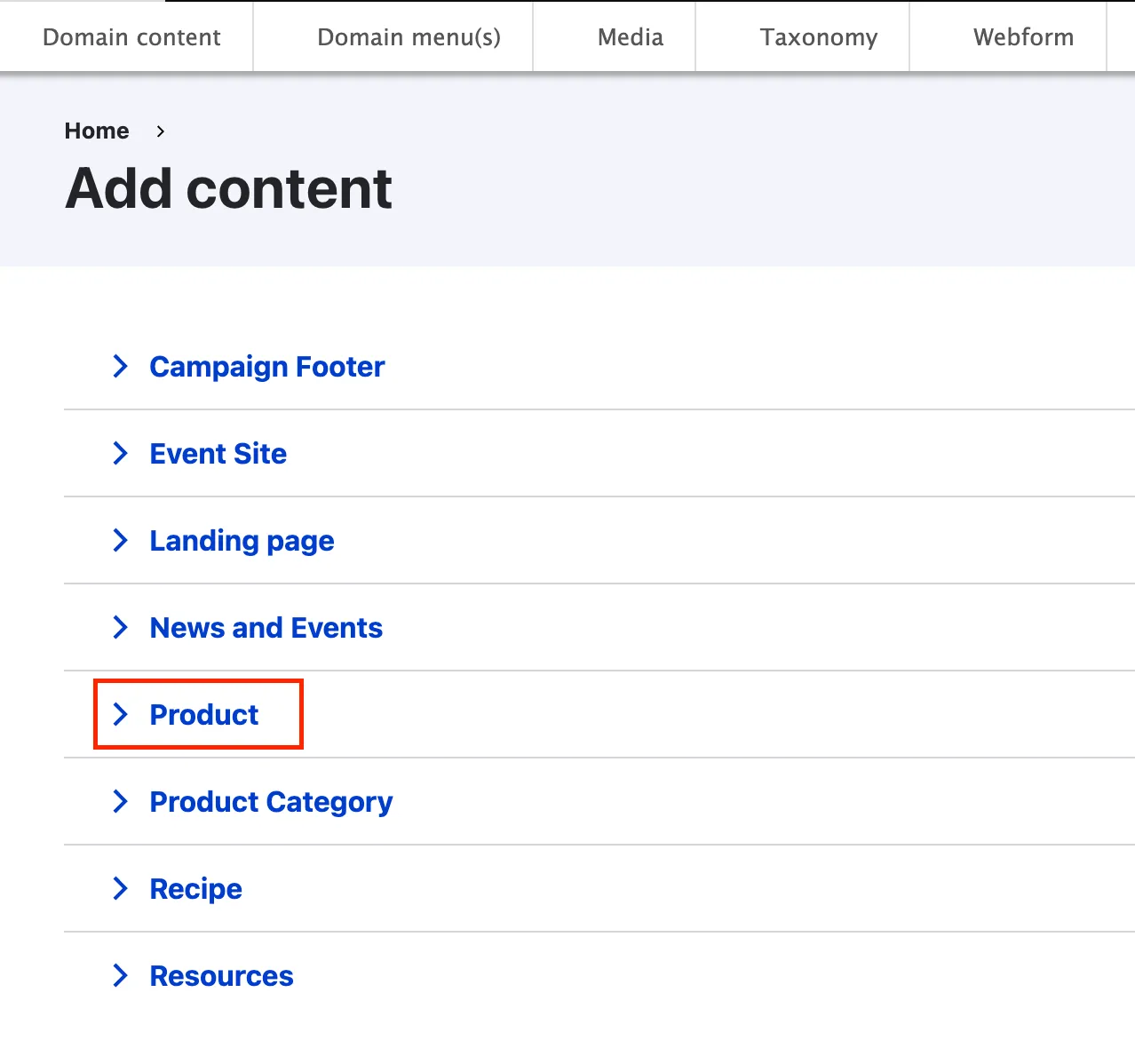
First got to domain content => your country site domain => Add content => Product
Product backend from tabs
As most content types, the product edit form is organised using tabs :
Header tab
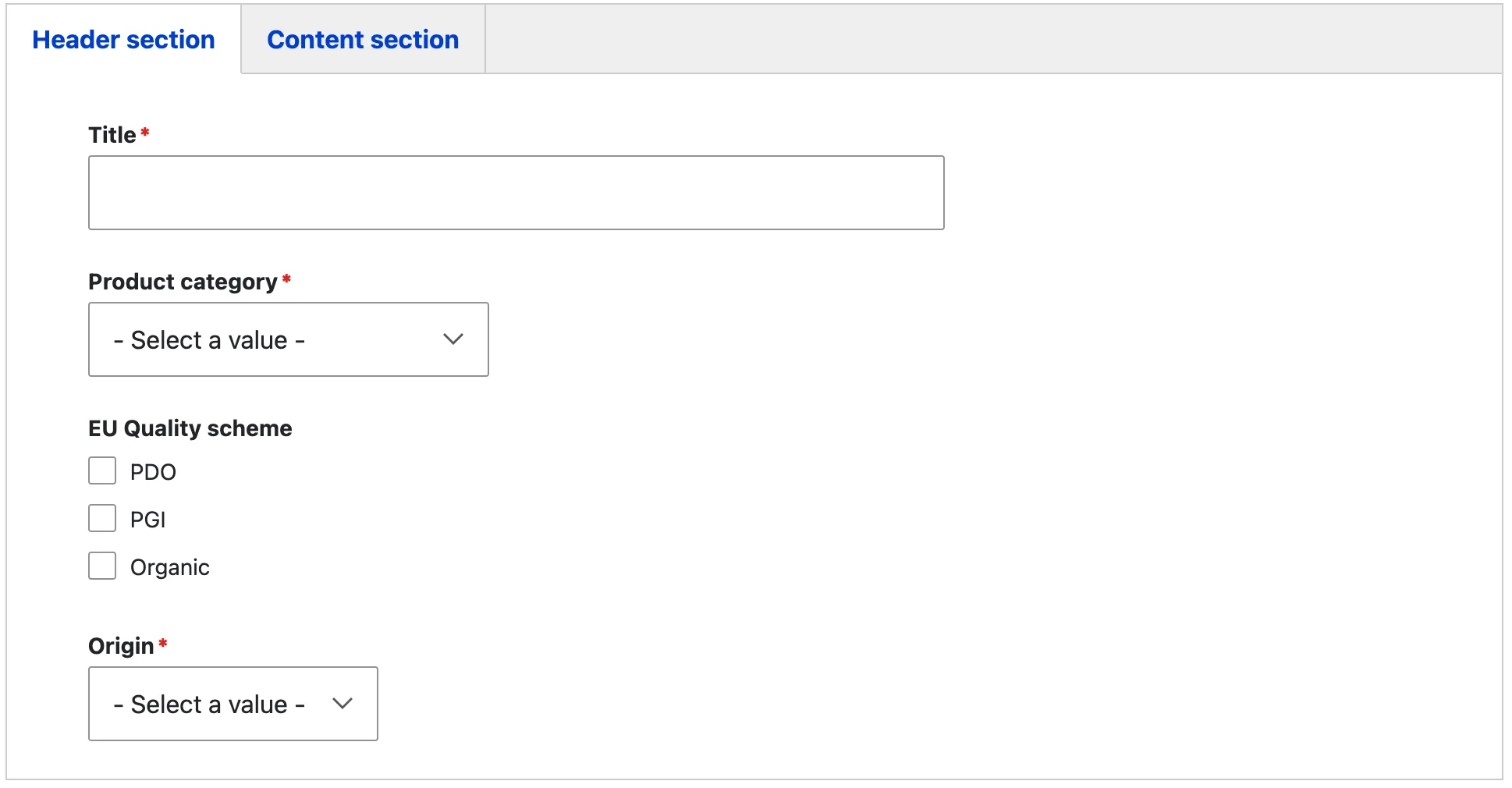
The product page title acts as the H1 heading, clearly identifying the specific product type and providing a focal point for the page’s content. The “Product category” field enables you to assign the product to its appropriate category within the EIFE portal. There is a predefined set of product categories available to choose from, ensuring consistency and easy navigation across all product pages within the portal. Selecting the correct category helps organise content effectively, making it easier for visitors to explore and understand the range of products featured.
- Cheese and dairy
- Chocolate and confectionery
- Fruits and vegetables
- Jam and honey
- Meat and meat products
- Olive oil
- Pasta and cereal
- Spices and herbs
- Wine, beers and spirits
The “Product Categories” field is mandatory and links each product to its relevant category. Unlike other content types, a product does not have its own standalone display page. Instead, it is featured within the product category page and is displayed as part of the product carousel, allowing users to explore various products within their designated category seamlessly. This ensures that products are contextually grouped and easily accessible for browsing within the EIFE portal.
The “EU Quality Scheme” field allows you to identify the quality classification of a product, specifically through the designations PDO (Protected Designation of Origin), PGI (Protected Geographical Indication), and Organic. These classifications indicate that the product meets the strict standards of quality, authenticity, and production processes set by the European Union. Selecting the appropriate classification for your product enhances its credibility and showcases its adherence to these recognised quality standards within the EIFE portal
The “Origin” field specifies the country where the product is produced. This field highlights the product’s authenticity and regional background, providing important context to visitors. It helps maintain transparency and reinforces the product’s connection to its European origin on the product category page.
Content tab
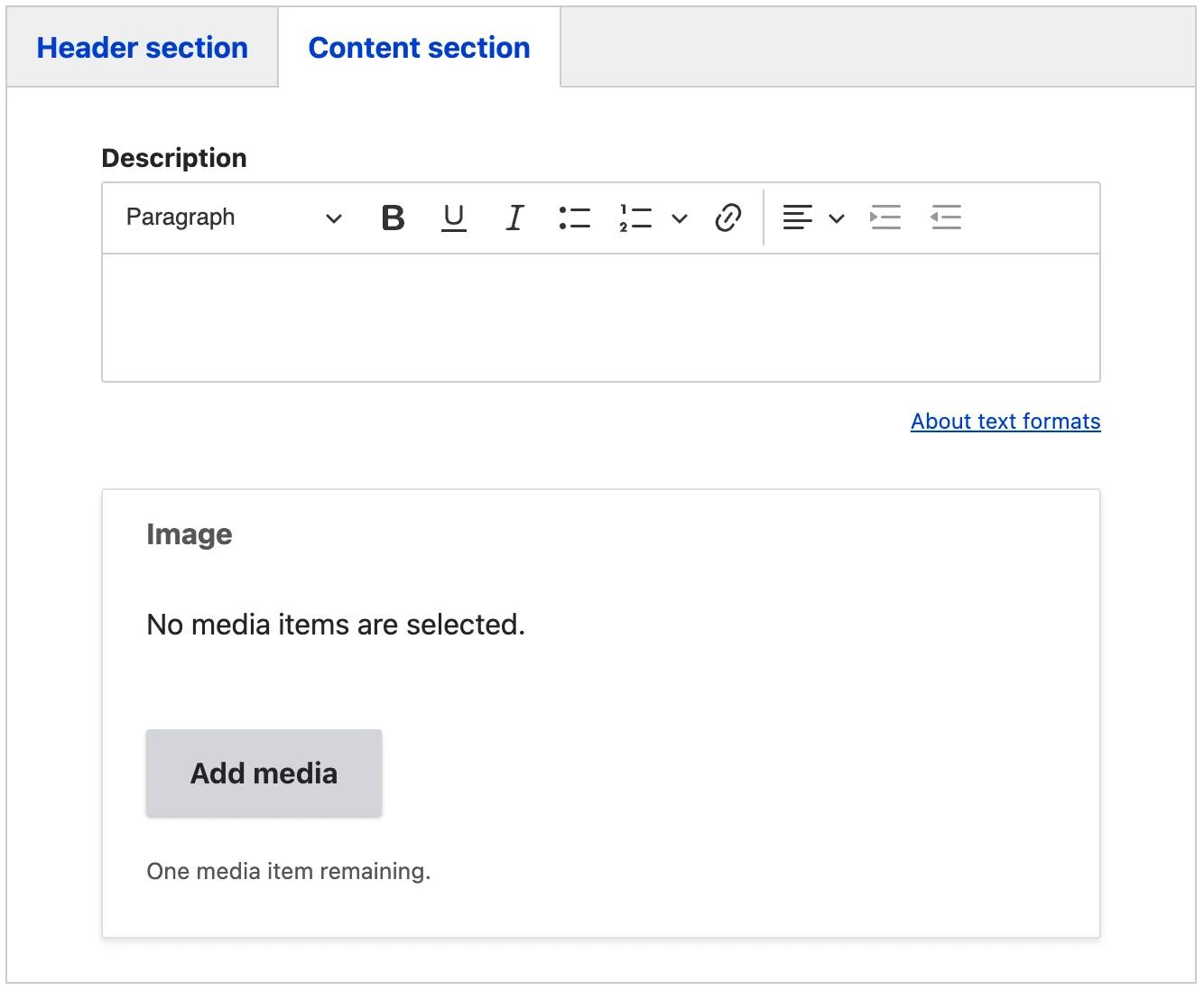
The description field allows you to provide detailed context about the product, offering visitors insights into its qualities, uses, and unique features. It serves to inform and engage users, enhancing their understanding of the product’s characteristics and benefits. Additionally, an image can be included alongside the description to visually represent the product, enriching the page’s content and making it more appealing to users.