Dashboards and interfaces
dashboards-interfaces #EIFE version 0.1 | 48s Read time
EIFE categorises content into several groups: content types, assets, and documents. To manage these, the EIFE backend utilises Dashboards.
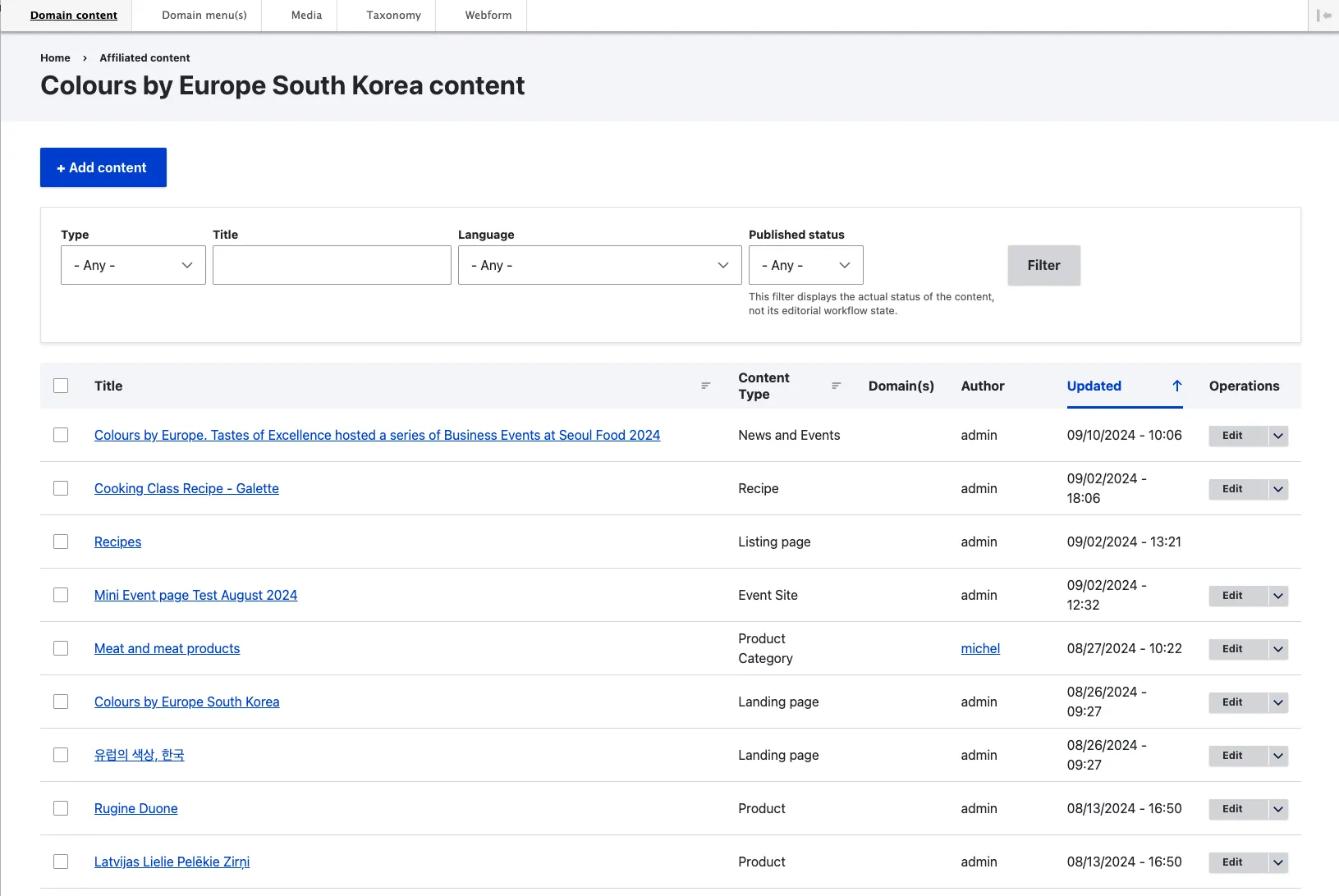
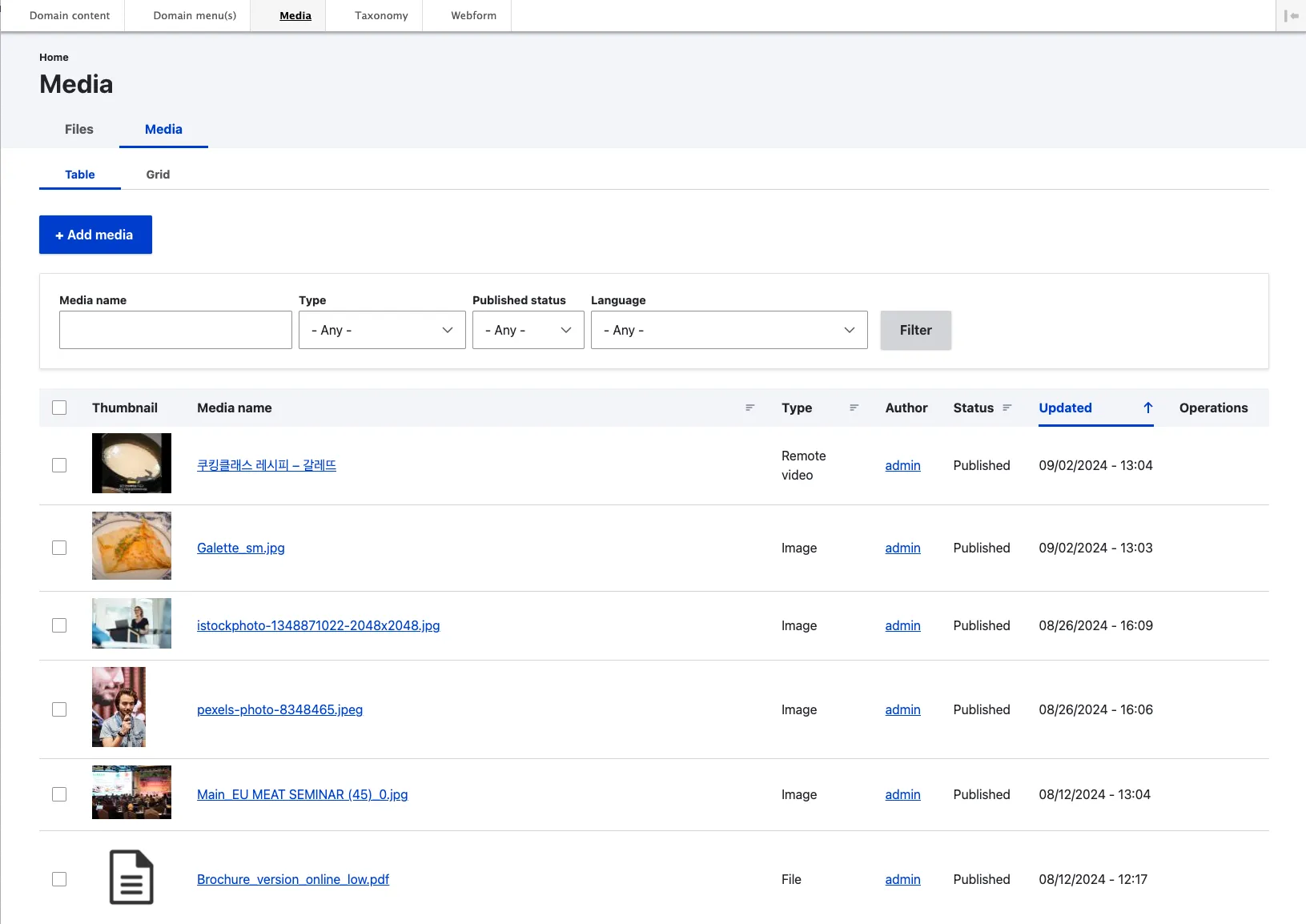
Each dashboard adheres to a uniform layout, albeit with minor modifications to accommodate different content types:
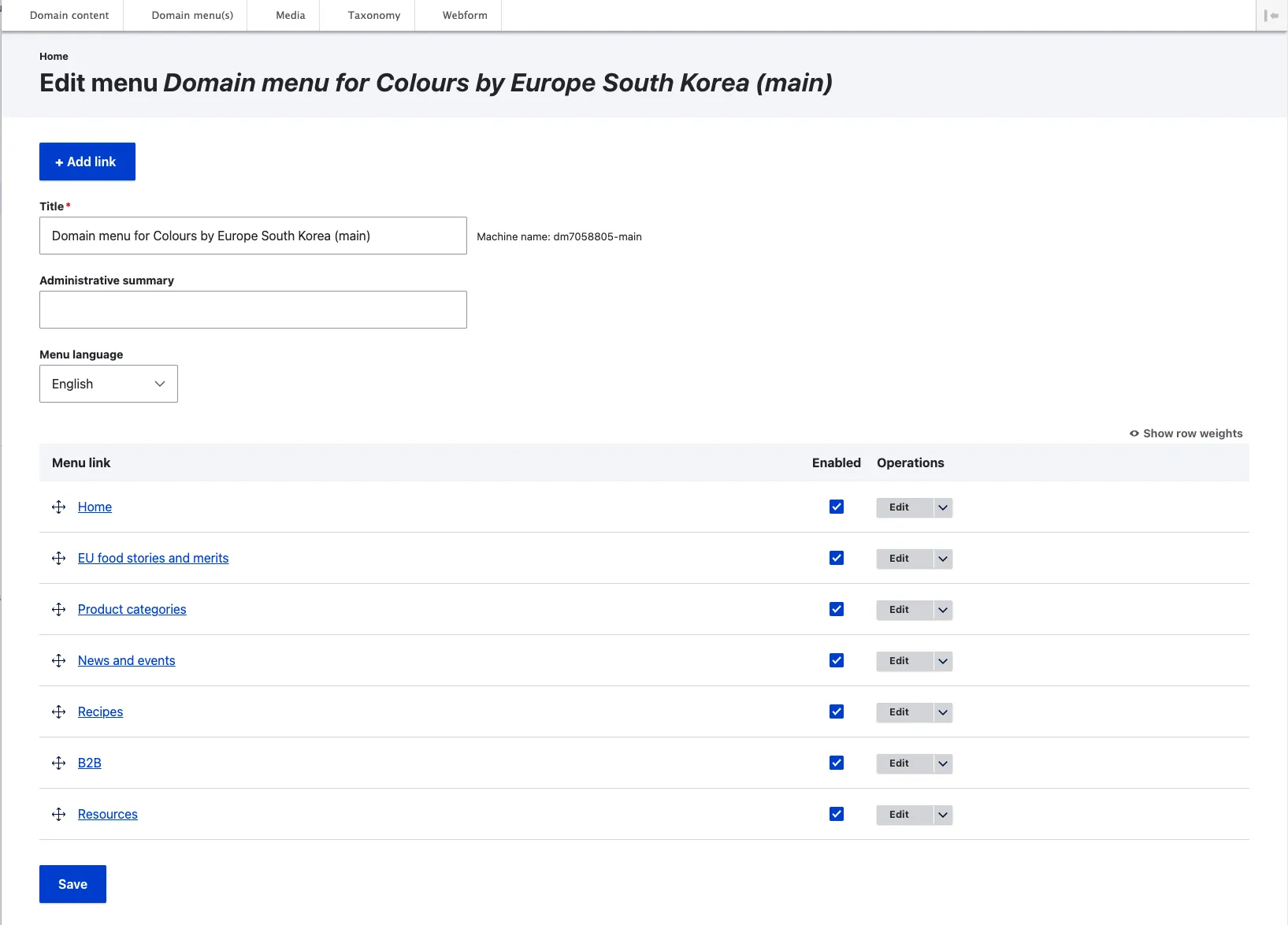
- Add Button: Located at the top, this button facilitates the creation of new content. Pressing it typically leads to a selection screen where you can choose the subtype you wish to create.
- Filters and Apply Button: Following this, various filters are provided alongside an ‘Apply’ button, which, when pressed, filters the displayed content according to the selected criteria.
- Action Dropdown and Bulk Operations: Next, there is an ‘Action’ dropdown menu paired with an ‘Apply to Selected Content’ button, enabling bulk operations on items selected using checkboxes at the start of each row in the table below.
- Dashboard: The core of the dashboard displays the content with pertinent information and links, including action buttons for specific content management.
- Pagination Controls: At the bottom, pagination controls are provided if the amount of results exceeds what can be displayed on a single screen.”
⠀Here are a few example dashboards :
Domain content dashboard
Media dashboard
Menu dashboard
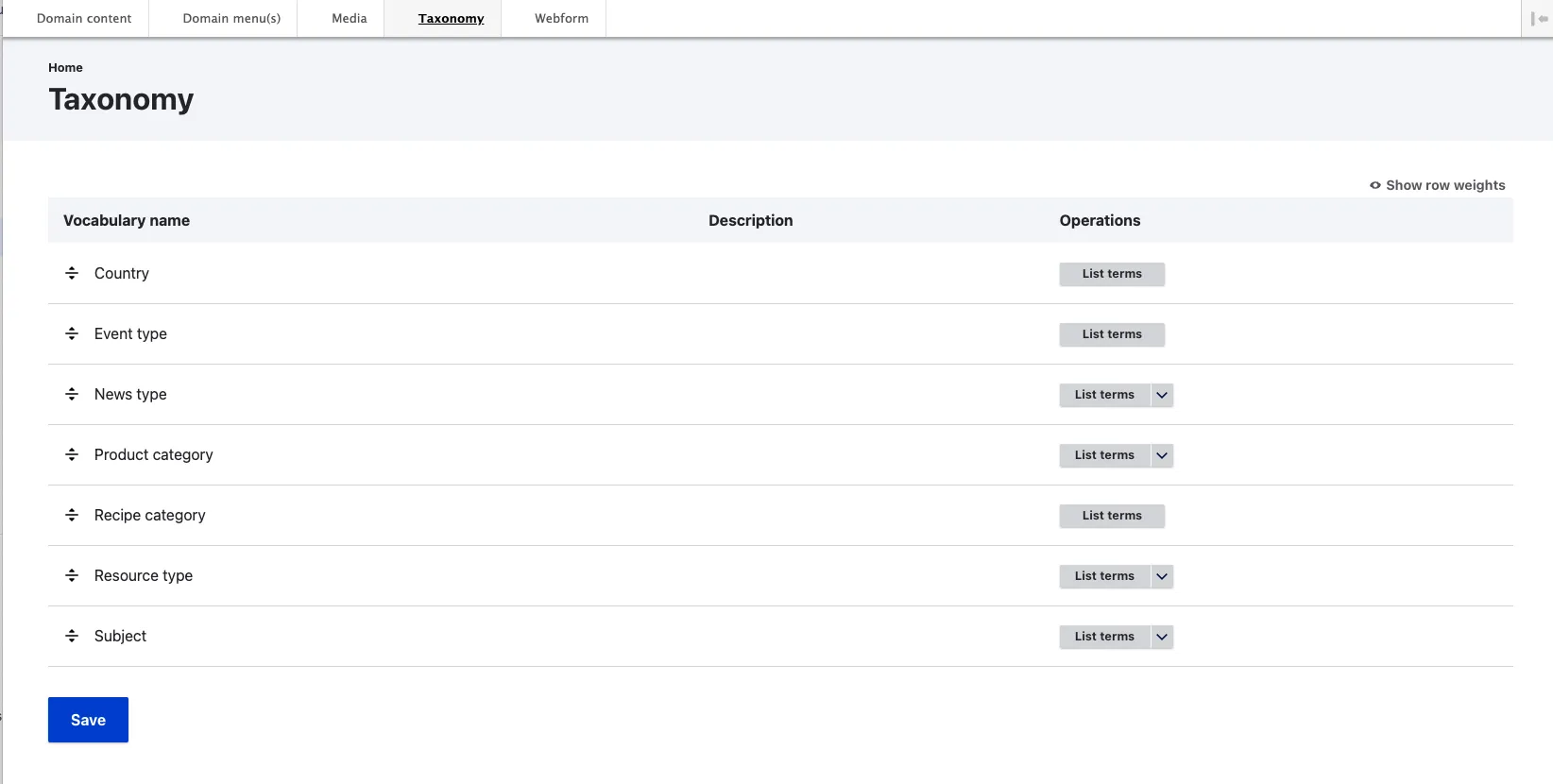
Taxonomy interface
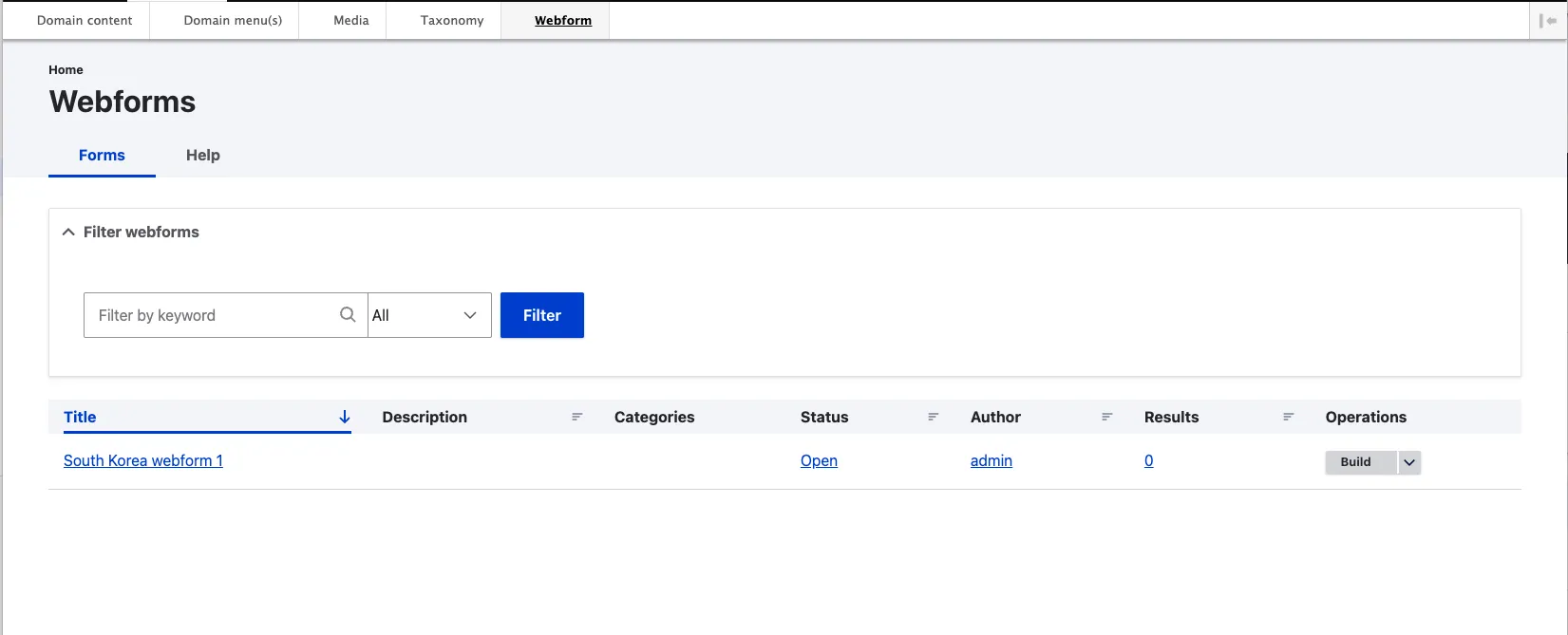
Webform dashboard