Listing Page a structured display of content
listing-page #EIFE version 0.1 | 37s Read time
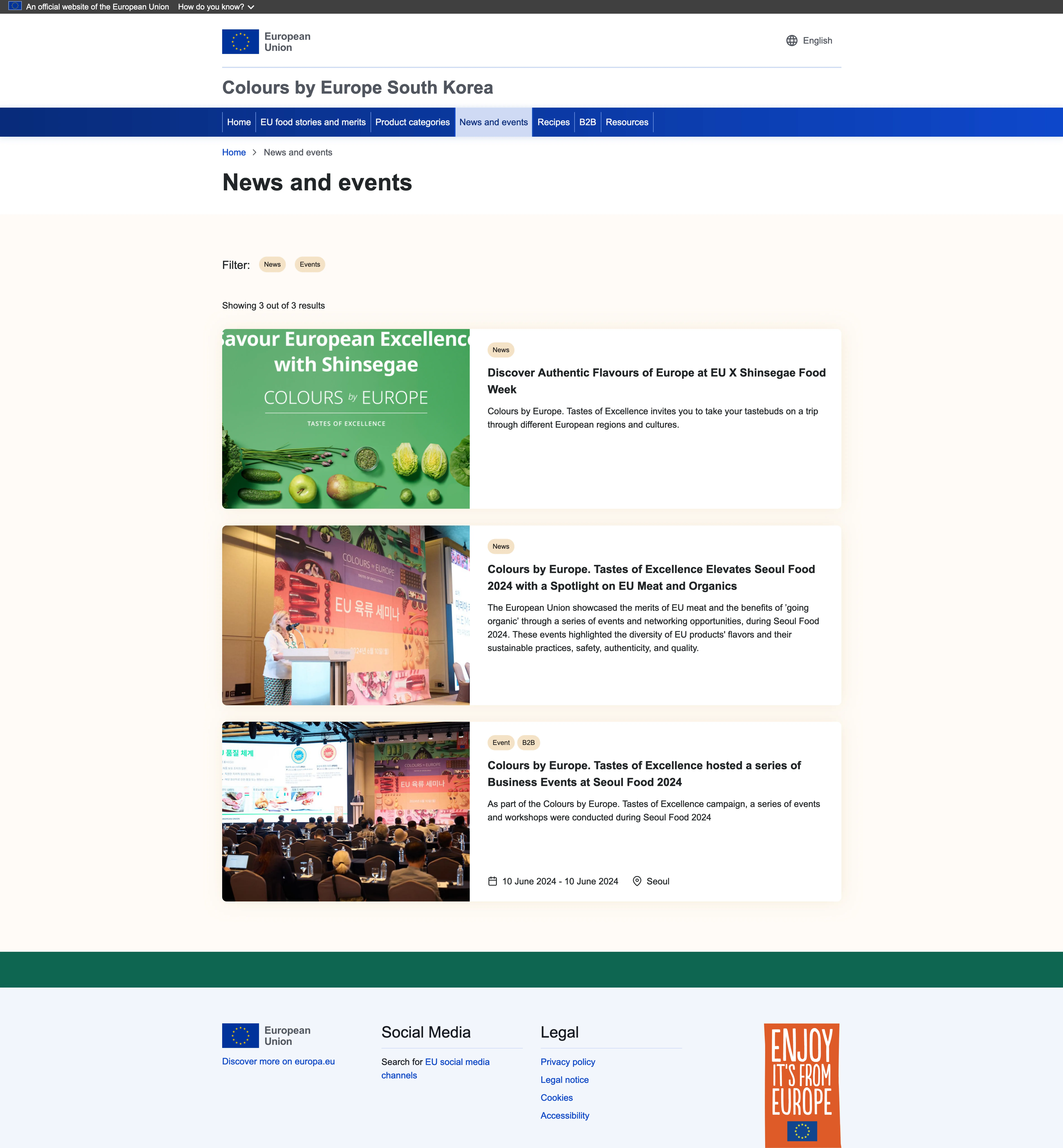
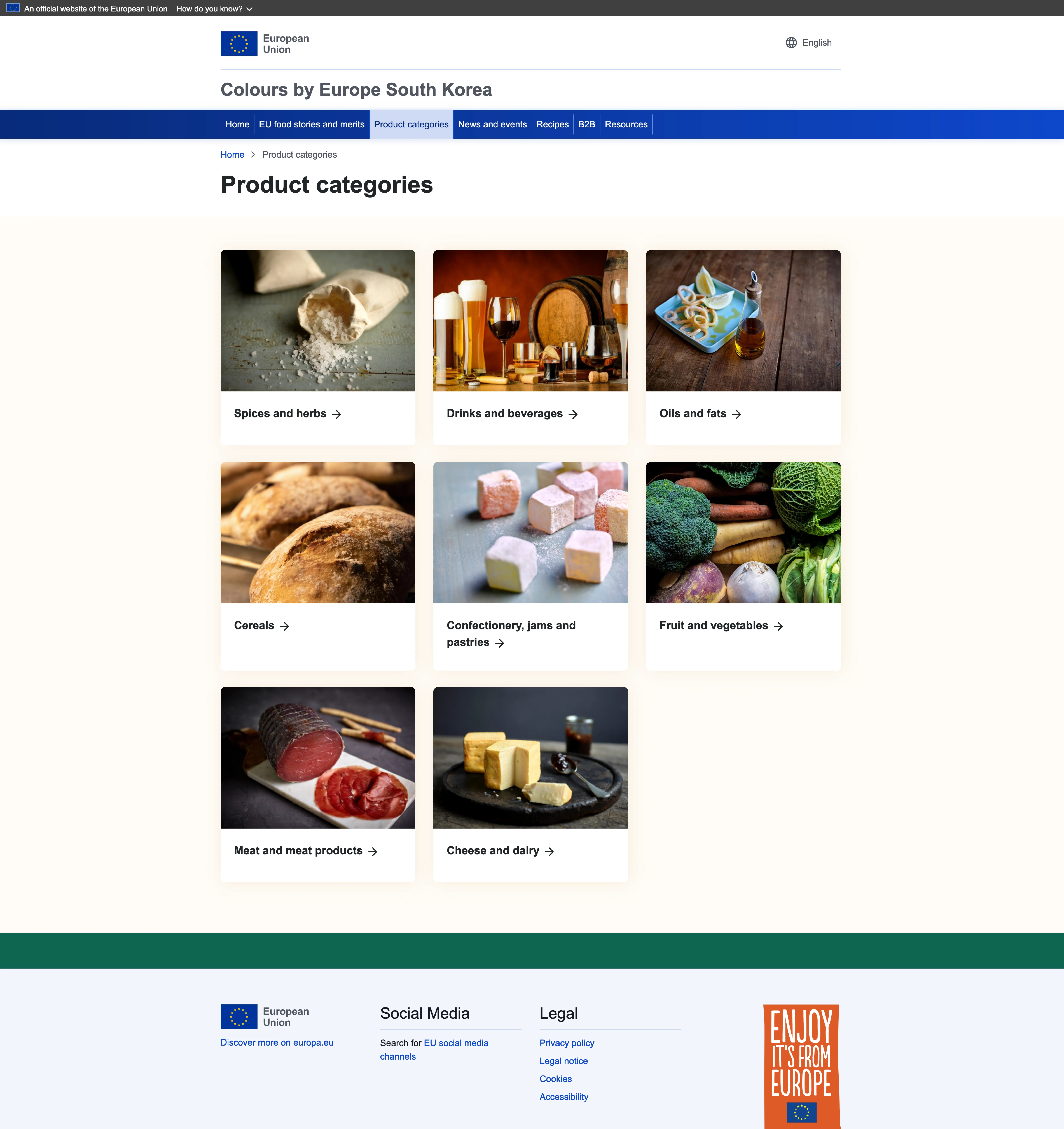
A listing page is a webpage designed to display a collection of content entries, in a structured format. It typically features multiple items, such as articles, events, product categories, or resources, organised in a way that’s easy for users to browse and navigate. Each item on the listing page usually includes a brief summary or preview, such as a title, image, and short description, with links to the full content or details on individual pages.
Note - On Listing Pages
Listing pages are available upon request from the team maintaining the EIFE portal. Please note that these pages cannot be customised once created.
The EIFE portal has several listing pages available
- News and events
- Product categories
- Resources
- Recipes
Figma Mockup
Product categories listing page
News and events listing page