How content types are structured
content-types-structure #EIFE version 0.1 | 45s Read time
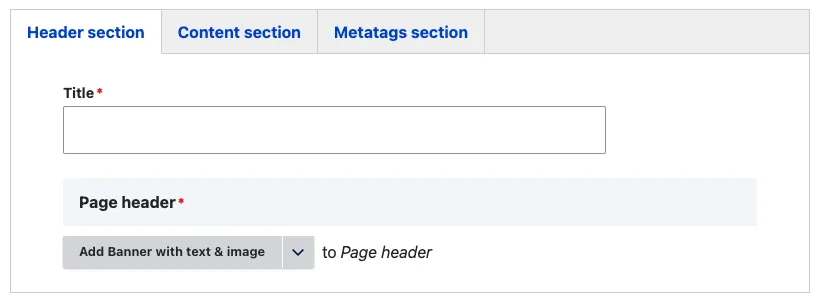
The content type forms in the EIFE portal are organised using horizontal tabs. This structure divides and categorises fields in a user-friendly format, clearly indicating which part of the page each tab or section is associated with. The most common sections in these forms are: the Header section, the Content section, and the Metatags section.
Type of fields
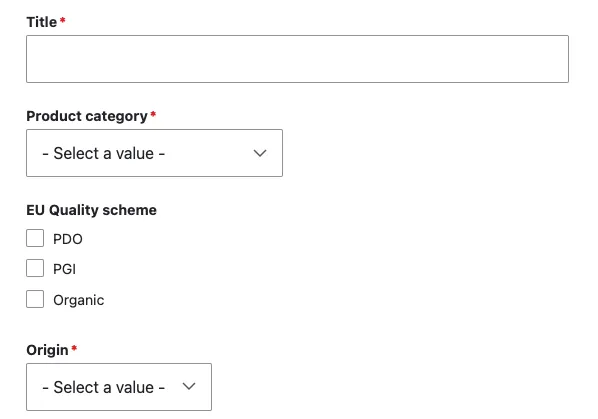
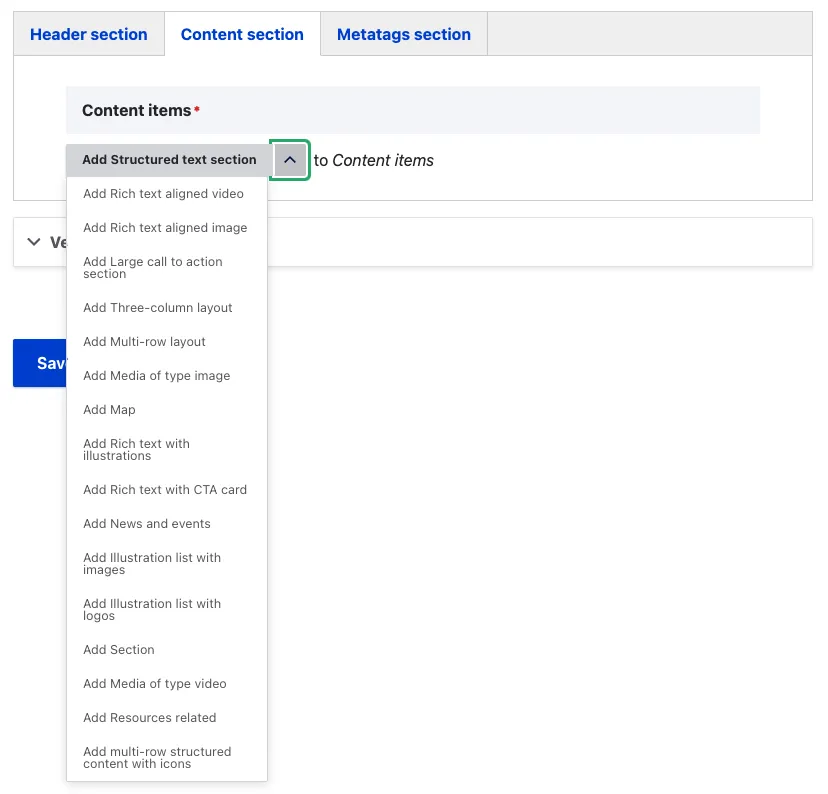
Within each section, there are two types of fields: native fields and paragraph bundles. Native fields are standard fields included by default, while paragraph bundles offer more flexible, structured content blocks that allow for greater customisation and layout options.
Native fields example:
Paragraph bundles example:
Note - On fields
- Fields marked with a red asterisk (*) are mandatory and cannot be left empty. If you attempt to save your work with any mandatory fields unfilled, you will receive an error message, and your content will NOT be saved until you complete all required fields.
- In specific circumstances, this restriction can be bypassed by removing the entire content item—this functionality is usually noted in the field description.
“Remove” button to bypass mandatory fields
